
The Arden Digest — Jul 30, 2026
A curated digest.
Breakdown: Creating a Star Wars-Inspired Arabian-Style 3D Scene
80.lv · 80.lv ↗
In a detailed breakdown, 3D artist Matvey Meleshko walks readers through the creation of Ember Bazaar, a richly atmospheric scene that fuses the lived-in aesthetic of the Star Wars universe with the ornate visual traditions of Arabian architecture and marketplaces. Meleshko explains how he developed the project from initial inspiration through final render, touching on the creative decisions that shaped the scene's mood and color palette. A highlight of the breakdown is his use of Marvelous Designer to craft believable fabric canopies, a tool well-suited to simulating the drape and tension of real cloth. He also digs into his material-creation process, sharing techniques for adding the subtle imperfections — wear, dust, and surface variation — that make CG environments feel tangible and lived-in rather than sterile. It's an insightful behind-the-scenes look for environment artists interested in world-building at the intersection of sci-fi and historical aesthetics.
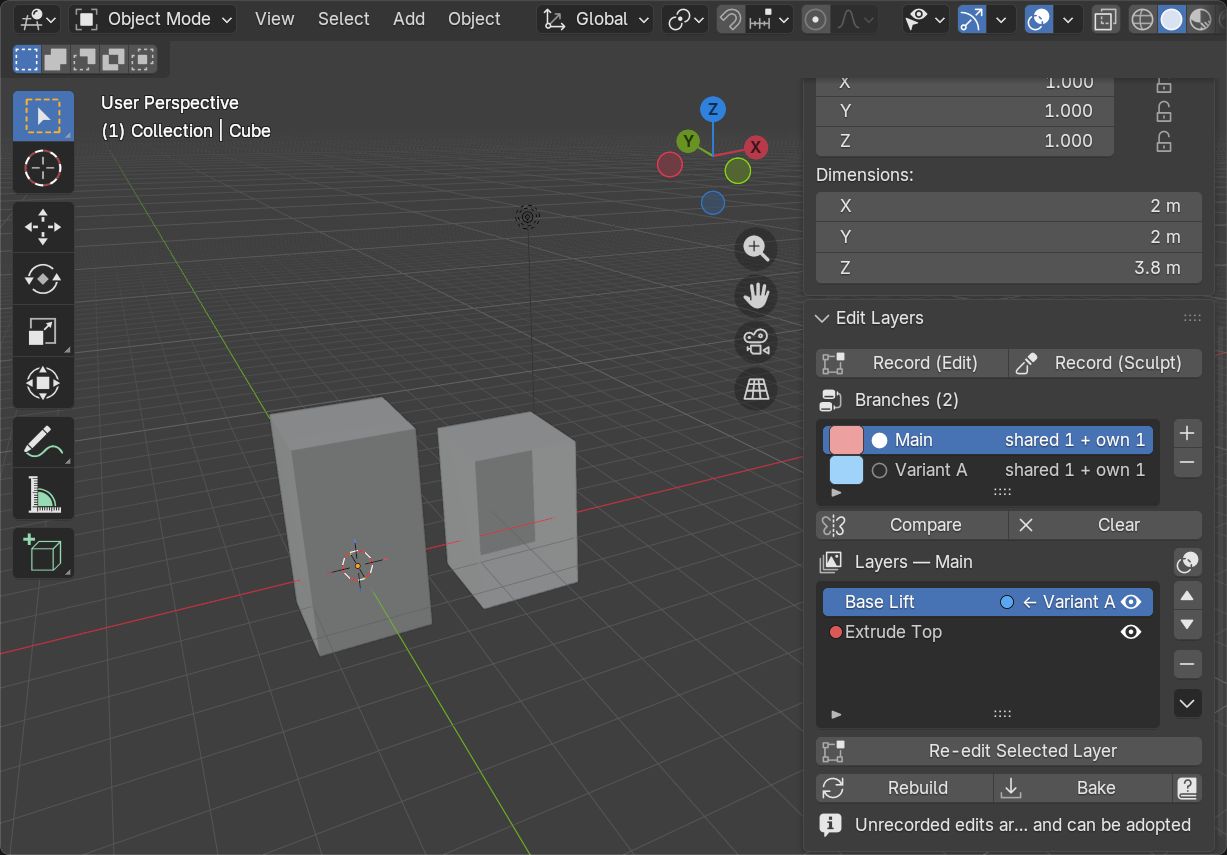
Edit Layers for Blender
CGPress · cgpress.org ↗
Edit Layers is a new Blender add-on from developer Hikaru Hayashi that introduces a familiar and powerful concept to Blender's mesh editing workflow: a non-destructive, layer-based editing stack. Much like adjustment layers in image editing software, the system allows artists to apply and manage mesh edits in a stacked, revisable order rather than committing to permanent changes. This kind of workflow can significantly speed up iteration, letting modelers experiment freely and roll back or adjust individual edits without disrupting the rest of the mesh. For Blender users who have long worked around the software's more destructive editing defaults, Edit Layers represents a meaningful quality-of-life improvement. It's a promising addition to the ecosystem, particularly for character artists and hard-surface modelers who frequently need to refine and revisit complex geometry.
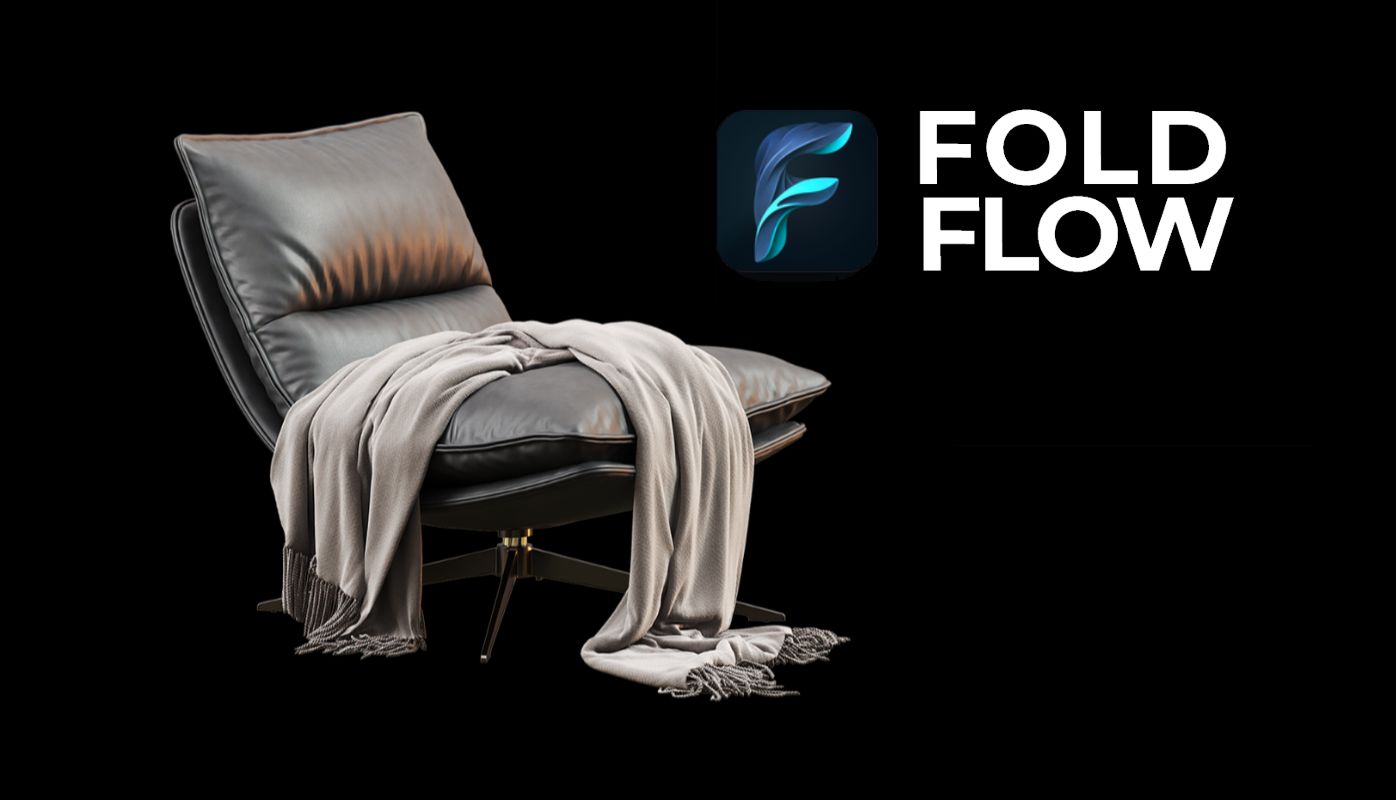
FoldFlow offers procedural folds and wrinkles for Max
CGPress · cgpress.org ↗
FoldFlow is a newly released plugin for Autodesk 3ds Max, developed by Ilia Artemov, that tackles one of the more time-consuming challenges in CG production: creating convincing cloth folds, wrinkles, and stitching. Rather than relying on full cloth simulations — which can be computationally expensive and difficult to art-direct precisely — FoldFlow takes a procedural approach, giving artists direct control over the look and placement of fabric details. This makes it especially useful for static hero assets where simulation might be overkill, or for situations where an artist needs a specific, styled look rather than physically accurate dynamics. Stitching generation is a particularly practical feature, automating a detail that would otherwise require tedious manual work. For character artists and prop modelers working in Max, FoldFlow looks like a genuinely useful addition to the cloth and fabric toolkit.
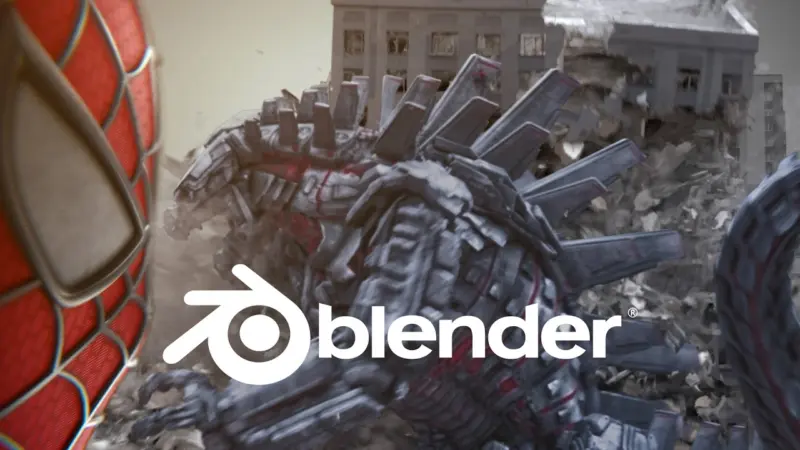
Behind The Scenes: Spiderman VS MechaGodzilla
BlenderNation · blendernation.com ↗
VFX creator Raffo VFX put a Rokoko motion capture suit to creative use by producing a short film pitting two of pop culture's most iconic giants against each other: Spider-Man and MechaGodzilla. The project was built primarily in Blender, with editing and finishing handled in DaVinci Resolve — a fully accessible, largely free software stack that underscores how capable indie filmmakers have become. The behind-the-scenes breakdown gives viewers a look at how motion capture data from the Rokoko suit was integrated into the production pipeline, driving character animation and lending performances a sense of physical weight and spontaneity. It's a fun demonstration of how consumer-grade mocap technology, once limited to large studios, is now well within reach of solo creators and small teams. The project doubles as both an entertaining fan film and a practical case study in modern indie VFX production.

This Arcane-Style Short Animated Film Will Leave You Intrigued
80.lv · 80.lv ↗
A short animated film produced in the stylistic vein of Arcane — Riot Games and Fortiche's celebrated animated series known for its painterly, kinetic visuals — has been drawing attention for both its arresting aesthetic and the extraordinary commitment behind it: the project took five years to complete. That kind of multi-year dedication from what appears to be a small or independent team speaks to the immense labor involved in achieving animation at that visual fidelity outside of a major studio setting. Arcane itself set a high bar for stylized animation, blending hand-painted textures with fluid, expressive motion, and films working in its shadow face significant technical and artistic challenges. The result, by all accounts, is something that leaves viewers with questions — a storytelling quality that suggests the film doesn't just imitate its inspiration but brings its own narrative intrigue. It's a testament to what patient, passion-driven independent animation can achieve.
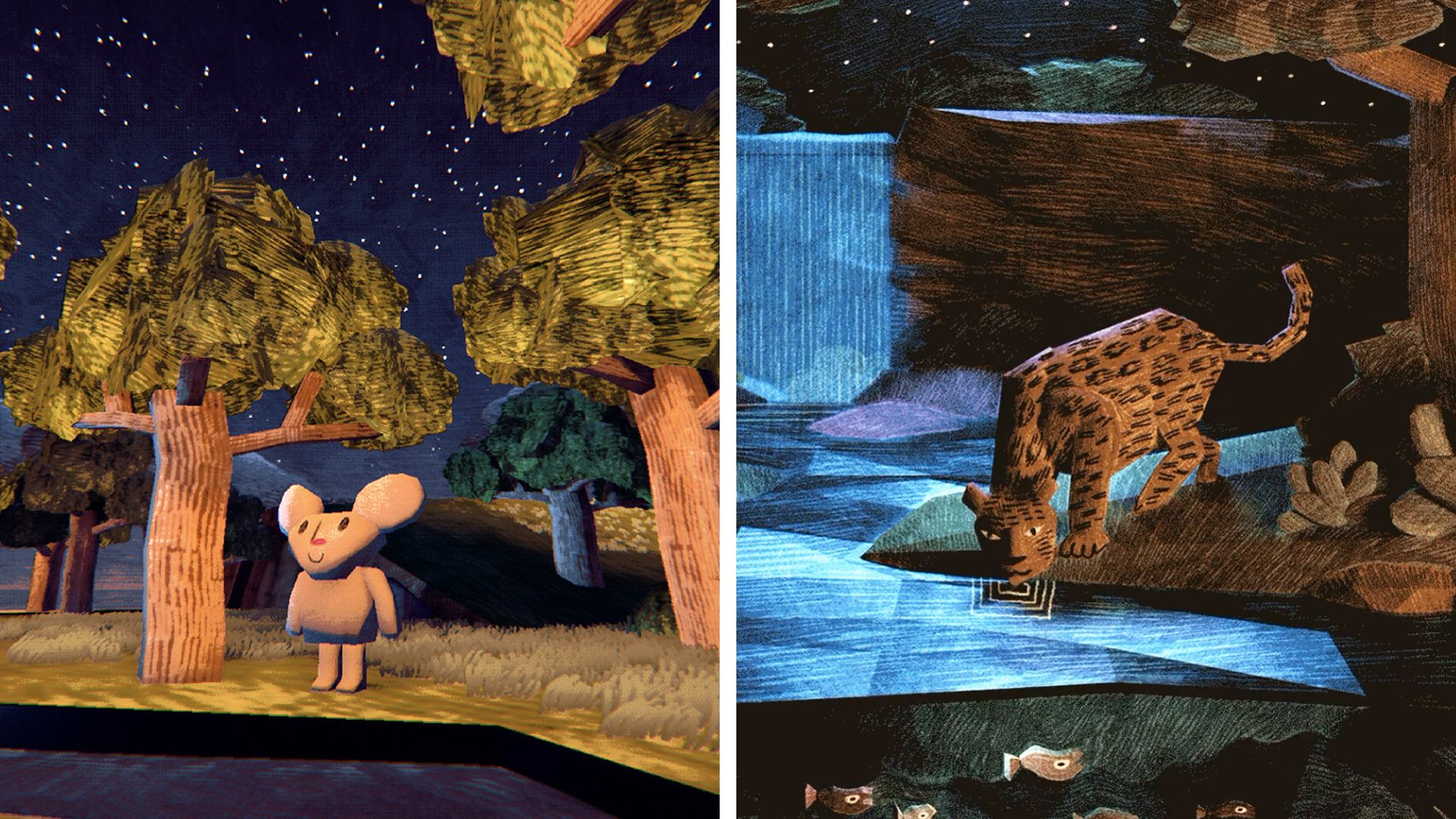
This indie developer is creating a woodcut-inspired 3D world with tools anyone can download for free
Creative Bloq · creativebloq.com ↗
An indie developer is crafting a quietly beautiful 3D world called A Peaceful Place, distinguished by a striking woodcut-inspired visual style that evokes the bold lines and flat tones of traditional printmaking rather than conventional 3D rendering. What makes the project particularly noteworthy is that it's being built entirely with freely available tools, making the developer's creative and technical choices accessible to anyone curious enough to follow along or replicate the approach. The aesthetic gives the world the feel of an illustrated children's book brought to gentle life — warm, handcrafted, and deliberately unhurried in its atmosphere. Woodcut-style rendering in 3D is an unusual and technically interesting challenge, requiring careful attention to how outlines, shading, and texture interact to maintain the illusion of a flat, printed surface on three-dimensional geometry. The project is a compelling example of how a strong, unconventional artistic vision can make a small indie work stand out in a crowded landscape.
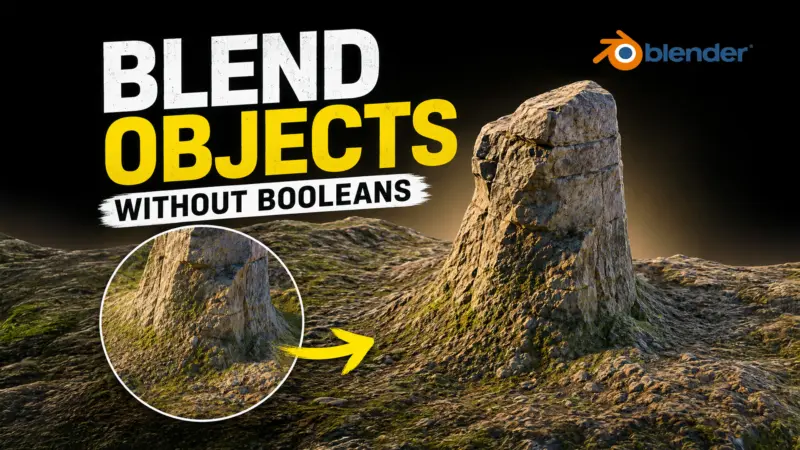
How to Blend Separate Objects in Blender. Easy Method!
BlenderNation · blendernation.com ↗
Blender educator Kenan Proffitt shares a clean and approachable technique for blending two separate objects together seamlessly using Geometry Nodes, Blender's procedural node-based system. The core of the method involves using displacement — pushing and pulling geometry based on proximity or other parameters — to create a smooth, organic transition between meshes that would otherwise sit as distinct, hard-edged objects. Geometry Nodes has opened up a wide range of procedural possibilities in Blender, and this kind of blending trick is a practical, visually satisfying application of the system that animators, modelers, and motion graphics artists can all put to use. Proffitt's approach is framed as accessible even for users without deep node experience, making it a good entry point for those still building confidence with Blender's procedural tools. It's the kind of quick, transferable technique that tends to find its way into a lot of future projects once you've learned it.