The Modern AI Image Generation Playbook: Standalone Models, Aggregators, and Production Workflows
Whether your goal is avant-garde creative fashion or pixel-perfect commercial realism, this guide breaks down the current ecosystem, structural prompting, and the multi-model pipelines used by industry professionals.
The Modern AI Image Generation Playbook: Standalone Models, Aggregators, and Production Workflows
Navigating the AI design space can feel like trying to hit a moving target. With new models dropping constantly, the real challenge isn’t just finding a tool—it’s figuring out how to orchestrate them into a reliable commercial pipeline.
01 / Ecosystem Dilemma: Native Networks vs. Aggregators
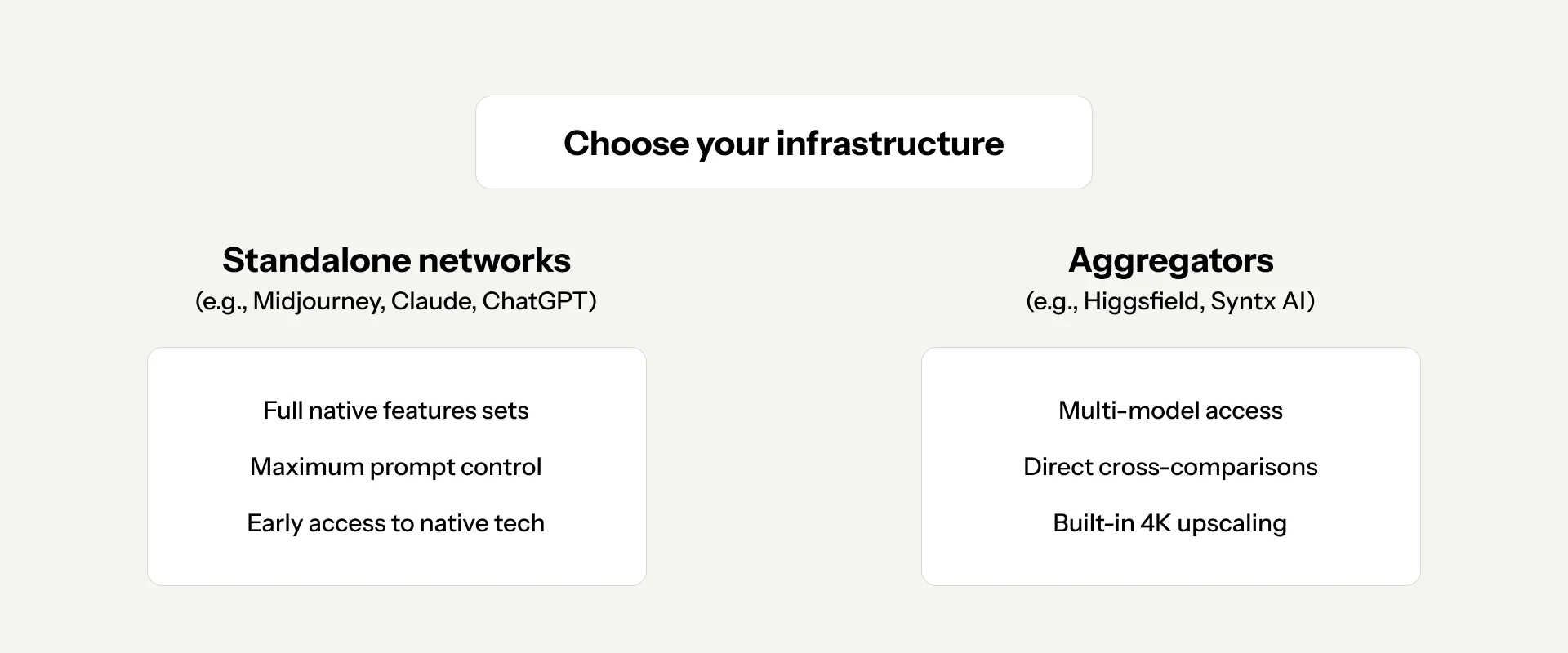
Before launching into generation, you have to choose your workspace infrastructure. The market has split into two distinct paths: standalone native networks and unified aggregator platforms.
Standalone Neural Networks
These are platform-specific, dedicated applications running their own proprietary models—such as Midjourney, ChatGPT, or Claude. The Verdict: If you require maximum prompt fidelity, advanced software-specific parameters (like Midjourney's custom parameters), or deep control over style consistency, native environments are mandatory.
Aggregator Sites
Aggregators (such as Higgsfield AI, Syntx AI, Figma Weave, or Freepik) act as single-dashboard portals granting API access to a suite of different image and text engines under a single monthly subscription. The Verdict: For beginners trying to find their footing or designers running rapid cross-model prototyping, aggregators are incredibly cost-effective. They allow you to test a single prompt across five different engines simultaneously and usually feature built-in 4K upscaling pipelines. Critical Caveat: Many aggregators offer simplified or stripped-down API versions of premium models. They may limit prompt word count, restrict image-to-image reference capabilities, or occasionally produce lower-quality outputs compared to the native web interface.
02 / The Tool Matrix: Matching Models to Tasks
Using the wrong tool for a specific visual task is the easiest way to burn through compute hours. The current generation engines excel at entirely different disciplines.
Midjourney: The Creative Powerhouse
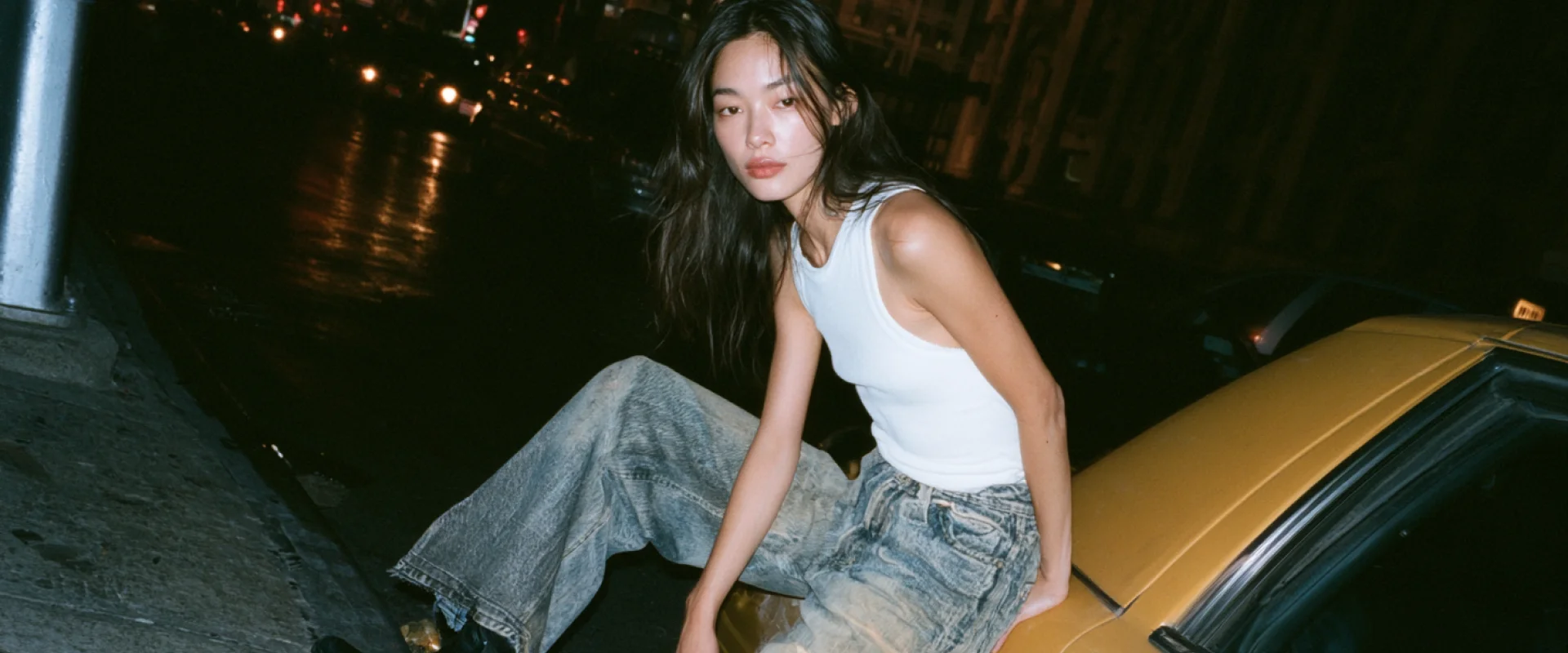
Midjourney remains unmatched for high-end artistic direction, complex mood boards, and building highly stylized cinematic environments. Through advanced features like personalization and --sref (style reference) codes, it builds rich, complex worlds that never feel like sterile stock photography. Best For: Avant-garde fashion concepts, atmospheric environments, and creative concept art. Note: Never use Midjourney through an aggregator; its deepest features are heavily neutered outside its official alpha site.

Nano Banana: The Commercial Editor
Nano Banana is built specifically for product integration and meticulous editing workflows. It serves as a digital staging assistant, allowing you to seamlessly place objects into environments while preserving text labels and physical product details. Best For: Product placement, precise inpainting (remove, replace, alter), and casting-style model consistency.
Higgsfield Soul: The UGC & Lifestyle Engine
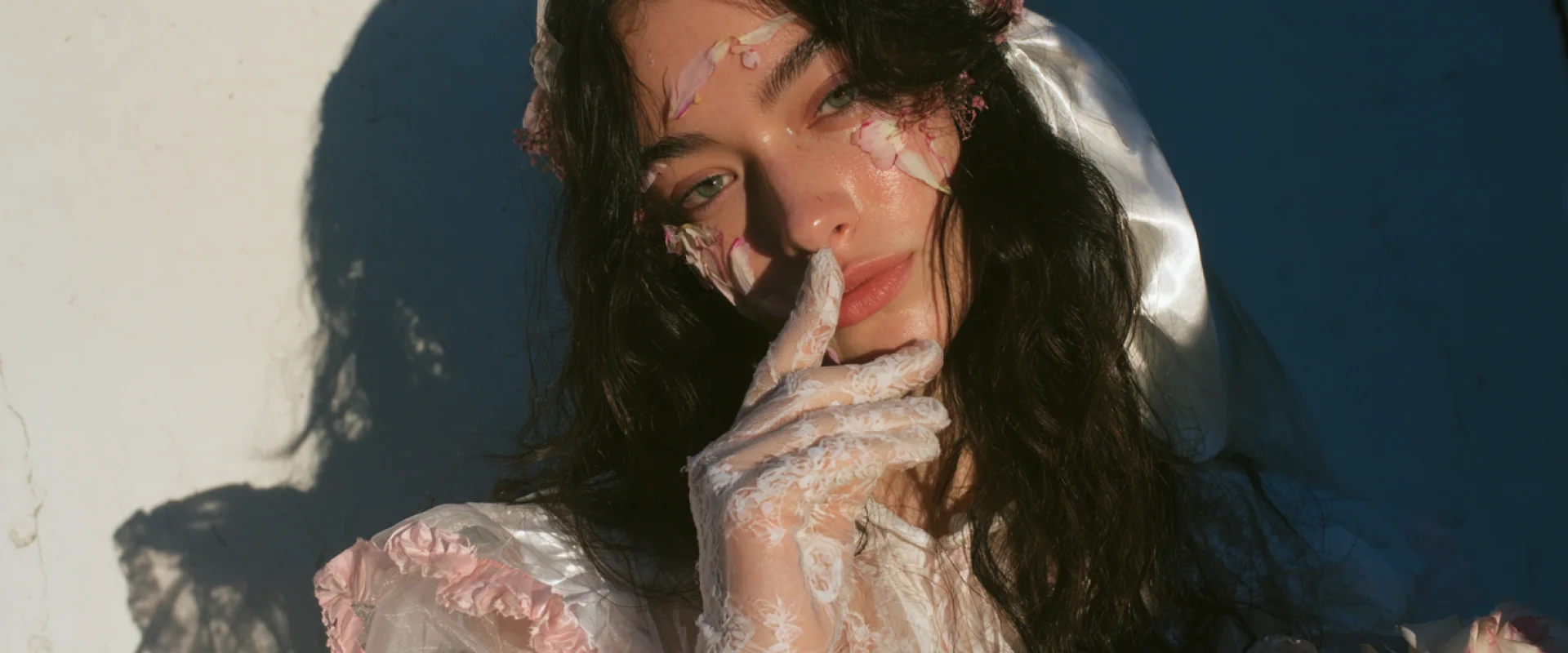
Higgsfield Soul has quickly become an industry favorite for generating highly believable user-generated content (UGC) and "shot on iPhone" lifestyle aesthetics. It includes robust built-in tools for manipulating camera angles, adjusting specific lighting profiles, and creating custom, reusable model avatars. Best For: Organic social media campaigns, realistic lifestyle imagery, and rapid multi-angle prototyping.
03 / Structural Prompt Engineering
The 7-Step Universal Blueprint

1/ Shooting Type & Context: Define the medium immediately (e.g., Studio photography, Raw iPhone snapshot, Editorial fashion spread). 2/ The Subject Core: Option A (Reference-Driven): Use an image URL or character token as the anchor for an existing product or model. Option B (Text-Driven): A detailed description of the subject if generating entirely from scratch. 3/ Technical Lighting: Avoid vague words like "beautiful lighting." Use technical terms (e.g., High-contrast hard directional light, Soft diffusion box lighting, Golden hour rim lighting, Chiaroscuro). 4/ Background / Surface: Explicitly define the environment (e.g., Polished concrete floor, Minimalist studio backdrop, Raw brutalist concrete wall). 5/ Camera Angle & Framing: Direct the camera lens (e.g., Low-angle heroic shot, Extreme close-up macro view, Eye-level medium portrait). 6/ Style / Aesthetics: Pinpoint the visual movement or era (e.g., 90s flash photography style, Clean laboratory minimalism, Y2K aesthetic). 7/ Overall Atmosphere: A final mood tag to tie the emotional grading together (e.g., sterile premium mood, gritty cinematic atmosphere).
04 / Multi-Model Production Pipelines
High-end digital production rarely relies on a single model. The most powerful workflows leverage the unique strengths of different models in a sequential pipeline.
The Creative-to-Commercial Pipeline
In a professional design workflow, you split the creative heavy lifting from the technical application: Phase 1 (The Foundation): Use Midjourney or Higgsfield Soul to construct the world. This is where you establish your complex angles, dramatic lighting, and overall stylistic identity. Phase 2 (The Refinement): Bring that base generation into Nano Banana. Here, you apply precise commercial editing: swapping in real product labels, correcting specific details, and mapping real wardrobe items onto the model. For instance, if your workflow requires a hyper-detailed casting-style model portrait while maintaining a specific artistic backdrop from Midjourney, you can feed that generation into Nano Banana with a highly detailed, technical face-pass prompt: "Create a portrait of a model in the same setting. Close-up portrait from a model casting. Portrait of a girl looking directly at the camera, pores on her nose are visible, detailed lips with realistic textures, highlights on her cheeks, minimal clean makeup with sharp, realistic skin texturing." By breaking the pipeline into discrete creative and corrective phases, you eliminate the frustration of waiting for a single prompt to perfectly execute every variable at once. Master the individual strengths of the tools, modularize your prompt structures, and treat AI as a collaborative multi-stage studio workflow.