The Arden Digest — Jun 24, 2026
A curated digest.
Introducing Figma Motion: Your Canvas Now Has a Timeline | Figma Blog
Figma · figma.com ↗
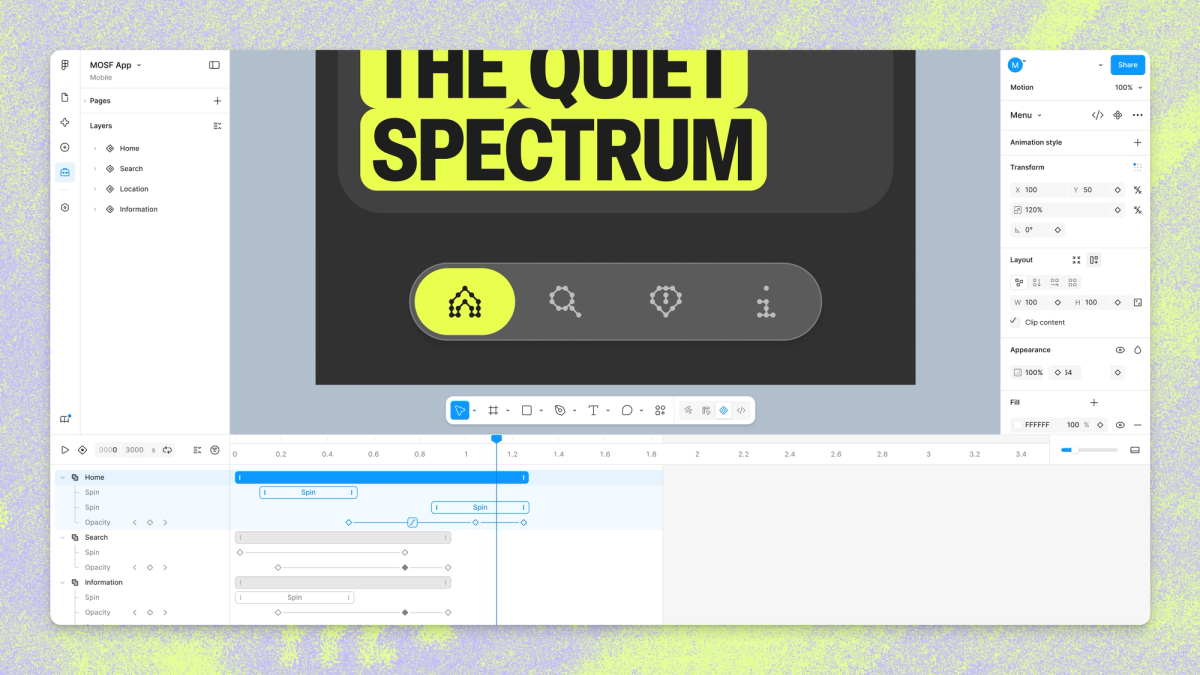
Figma has launched Figma Motion, a native animation and timeline tool built directly into the Figma canvas. Rather than requiring designers to hand off static frames to a separate prototyping or animation app, Motion lives inside the same file as components, variables, and shared team assets. This means animated interactions and transitions can be created and iterated on from the very beginning of the design process, not bolted on at the end. By keeping motion on the canvas, teams can maintain a single source of truth for both static design and animated behavior, reducing friction and file sprawl. The integration signals Figma's broader push to make the canvas a complete design environment — one where how something moves is just as native as how it looks.
Figma’s Design Agent, Now With Custom Tools and Greater Context | Figma Blog
Figma · figma.com ↗
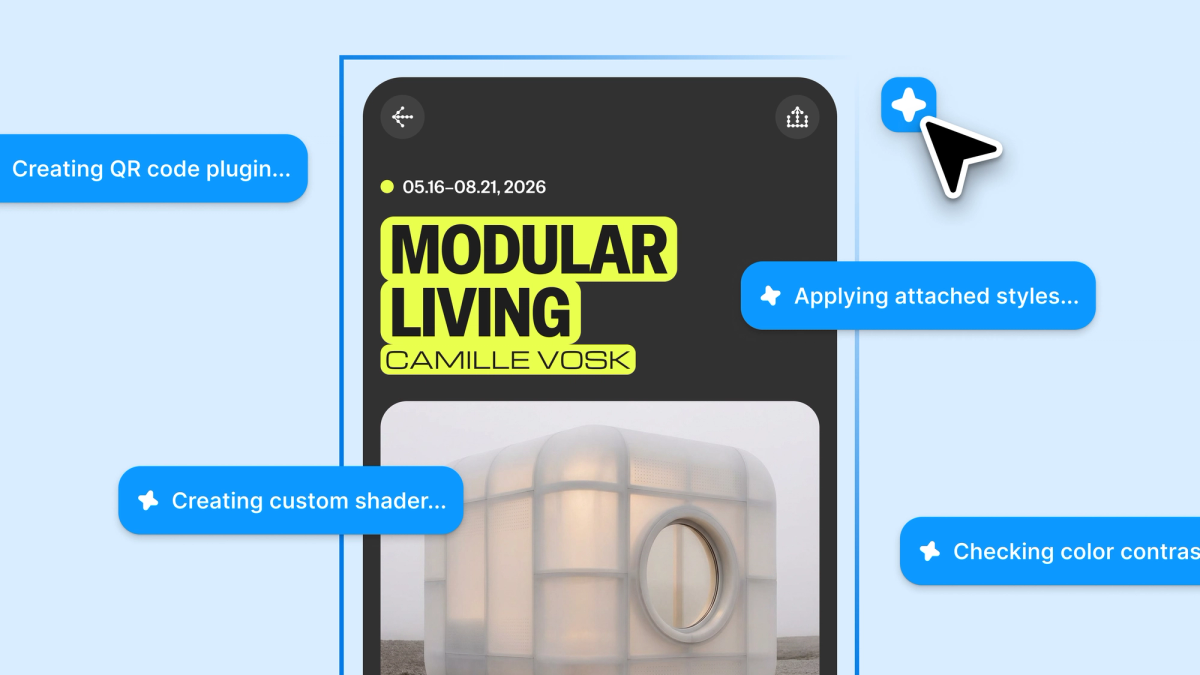
Figma's AI-powered Design Agent has received a meaningful upgrade, expanding beyond simple text prompts to support custom tools, richer contextual awareness, and a growing set of specialized skills. The additions are aimed at making the agent's output feel less generic — outputs that more closely reflect a team's established design language, component library, and visual standards. Custom tools allow organizations to extend what the agent can do, tailoring its capabilities to specific workflows or brand requirements. Greater context means the agent can draw on more of what's already in a file rather than generating from scratch, resulting in suggestions that slot more naturally into existing work. Together, these enhancements position Figma's Design Agent less as a novelty and more as a genuine collaborator that learns the way a team actually designs.
Connecting Figma and Weave | Figma Blog
Figma · figma.com ↗
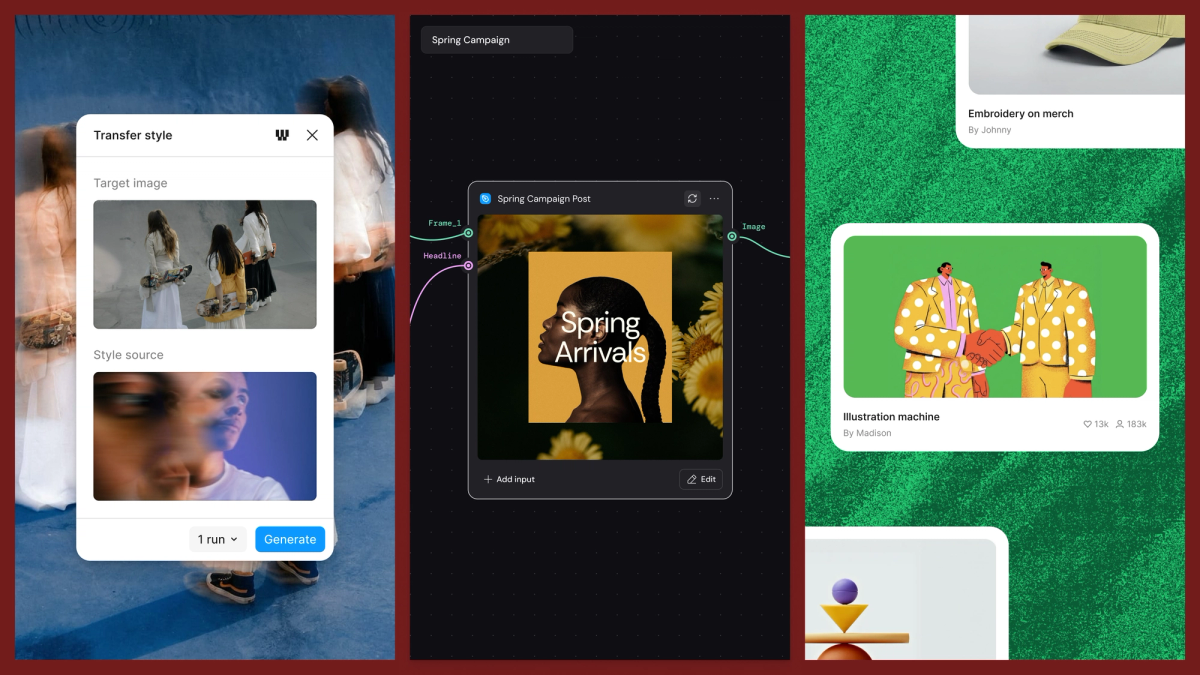
Figma has announced a new integration between Figma and Weave, bringing creative workflows from both platforms closer together. The connection allows Weave assets and creative processes to sit alongside Figma frames, reducing the need to context-switch between tools during a project. This kind of bridge is increasingly important as design teams juggle multiple specialized platforms across their creative pipelines. By letting Weave workflows live within the Figma environment, teams can keep creative and design work more tightly aligned and collaborative. The announcement reflects a growing industry trend toward interoperability — building connective tissue between best-in-class tools rather than forcing teams to consolidate onto a single platform.